Only one more flight, a two hour jump to New York and I am home.

David Shanske
- New York New York United States
My day job is in training for an airline. I also develop Indieweb WordPress plugins so that others can take control of their online identity.
First flight complete. Next plane is a 747. Hope I have a nicer seat.
After 3 weeks, finally starting my 21 hour journey home.
For three years now, on and off, I’ve been working on a plugin for WordPress called Simple Location. You can see it on many of my posts(View All Location Posts here). It adds a location and optionally a map to posts on my site. It also will change the displayed time and timezone on those posts to match the location(this post is set for Manila, for example, instead of the default of New York).
It is the most mainstream of the plugins I’ve developed, but has only 30 active installations, which suggests location may not be important to that many people who have WordPress sites, or I haven’t made the plugin good enough. I’m working on the latter now. Anyone have any suggestions?
On my way to Manila, I stopped off in Portland, Oregon for the annual Indieweb Summit. It was actually the other way around. I was going to Portland, and it was suggested I should just keep going. This Summit was better than last years, which was a great event. Hosted by Mozilla Portland,
I got to attend the Leadership Summit, for community leaders(apparently I am one), where we agreed we needed to meet more often to organize our efforts…and got some Indieweb stickers. Despite my misgivings, we now have an Indieweb WordPress chat room as part of the Indieweb suite of chat rooms. So far, it has kept the WordPress stuff in one place.
My attachment to WordPress and involvement in the community seems to have made me an ‘authority’ on the current state of how Indieweb concepts apply to WordPress(which, by the way, runs this site). And we have accomplished a lot this month…with many Indieweb plugins seeing updates.
I always feel inspired to work on my Indieweb projects after meeting inspiring people, like the great Ryan Barrett, who maintains Bridgy, the software that translates likes and comments on Facebook and Twitter into comments on my site. It’s fortunate that I have nothing to do but eat, sleep, and work in Manila, because it has given me a chance to continue that inspiration.
Here’s hoping for more Indiewebcamps. Anyone interested in one in New York?

A Jewish grave marker at the Manila American Cemetery and Memorial. Time will not dim the glory of their deeds.
The Memorial is 152 acres, with 17,097 headstones, 164 of them are Stars of David like this one. The memorial includes 36,286 names of soldiers missing in action, and 25 ten foot maps portraying important World War II Pacific campaigns. The cemetery is the largest in the number of graves and the names recorded on the walls of those missing. The government of the Philippines granted the land in perpetuity with charge or taxation.
Some people asked why I am actually in Manila. Simple answer…business. So, while I have explored a bit on my off time, I’m here to accomplish a goal. This is actually my first trip to this part of the world. Never been this far east(or west, which I flew to get here).
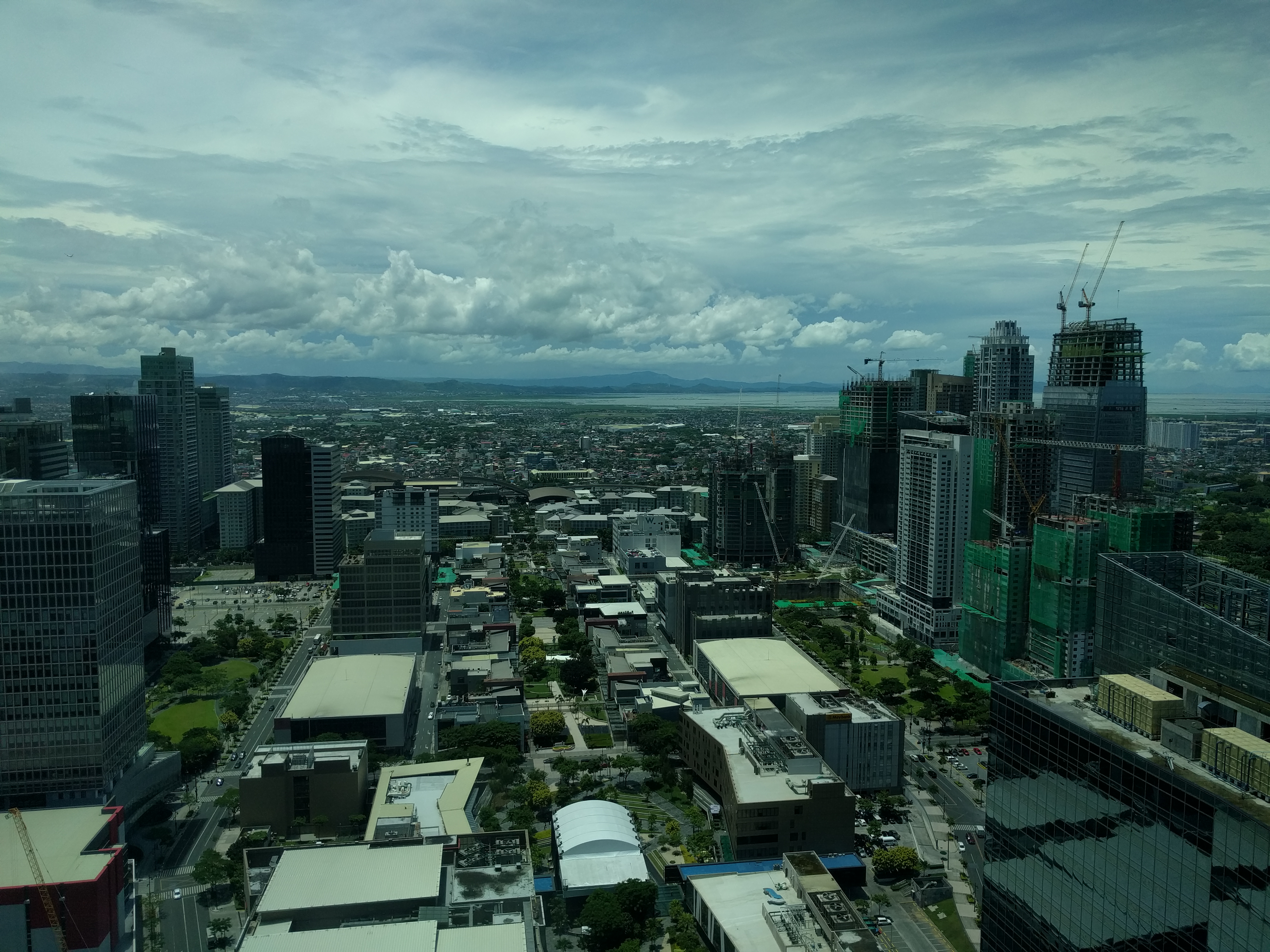
Good morning, Manila


Fort Santiago was built in 1593 and is one of the most important historical sites in Manila.
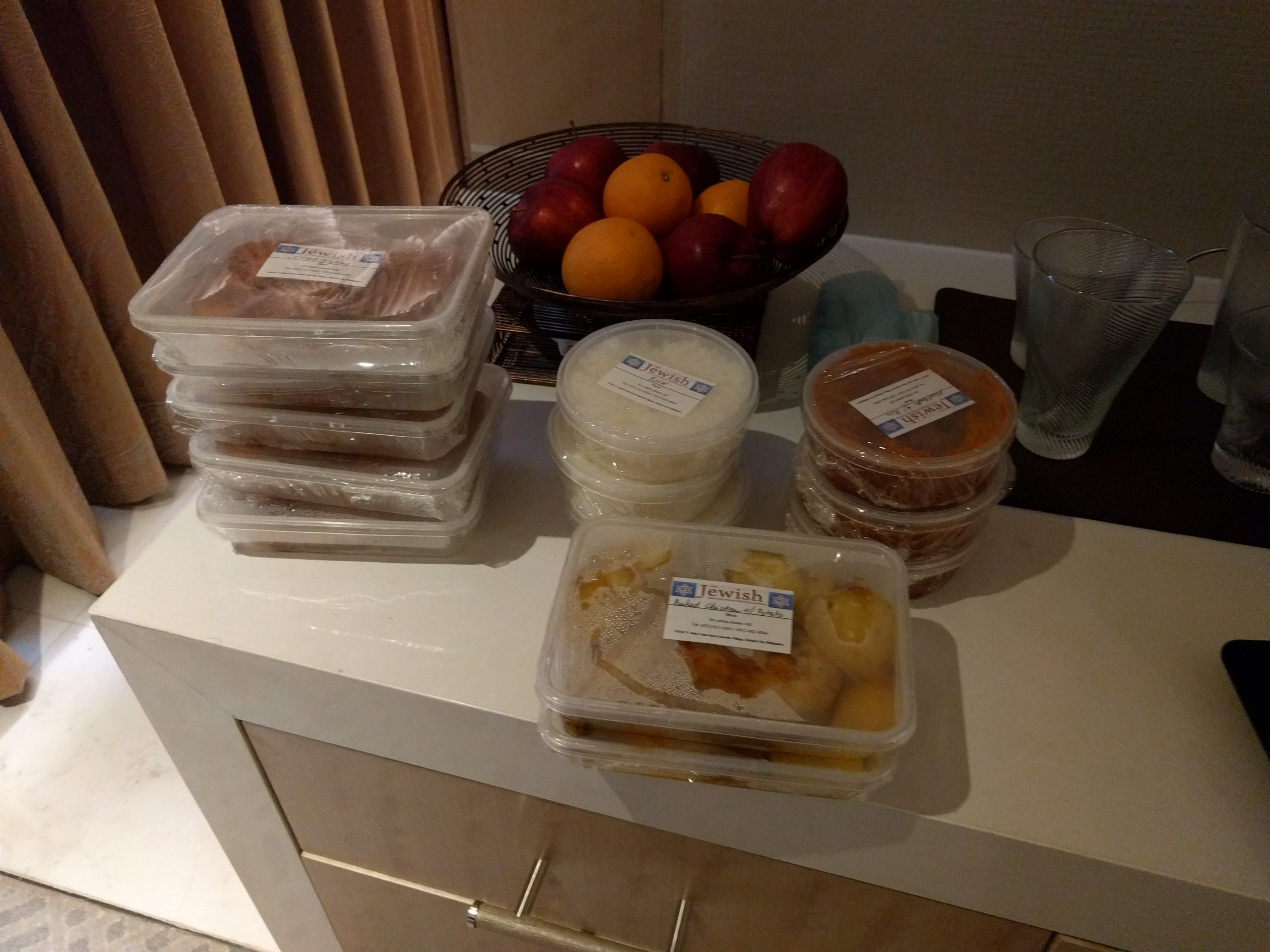
Only a few more hours to go.
I’ve been in Portland, Oregon for the last few days attending the Indieweb Summit. This is the second year in a row I’ve attended this event. There is something inspiring about being in a room full of people who share the same interest as you. It encourages me to want to do more. Not only did I get a chance to help other people with their personal websites, I built something based on feedback given by an attendee and was able to have a basic version to demo by the end of the weekend.
And now, onward and outward.
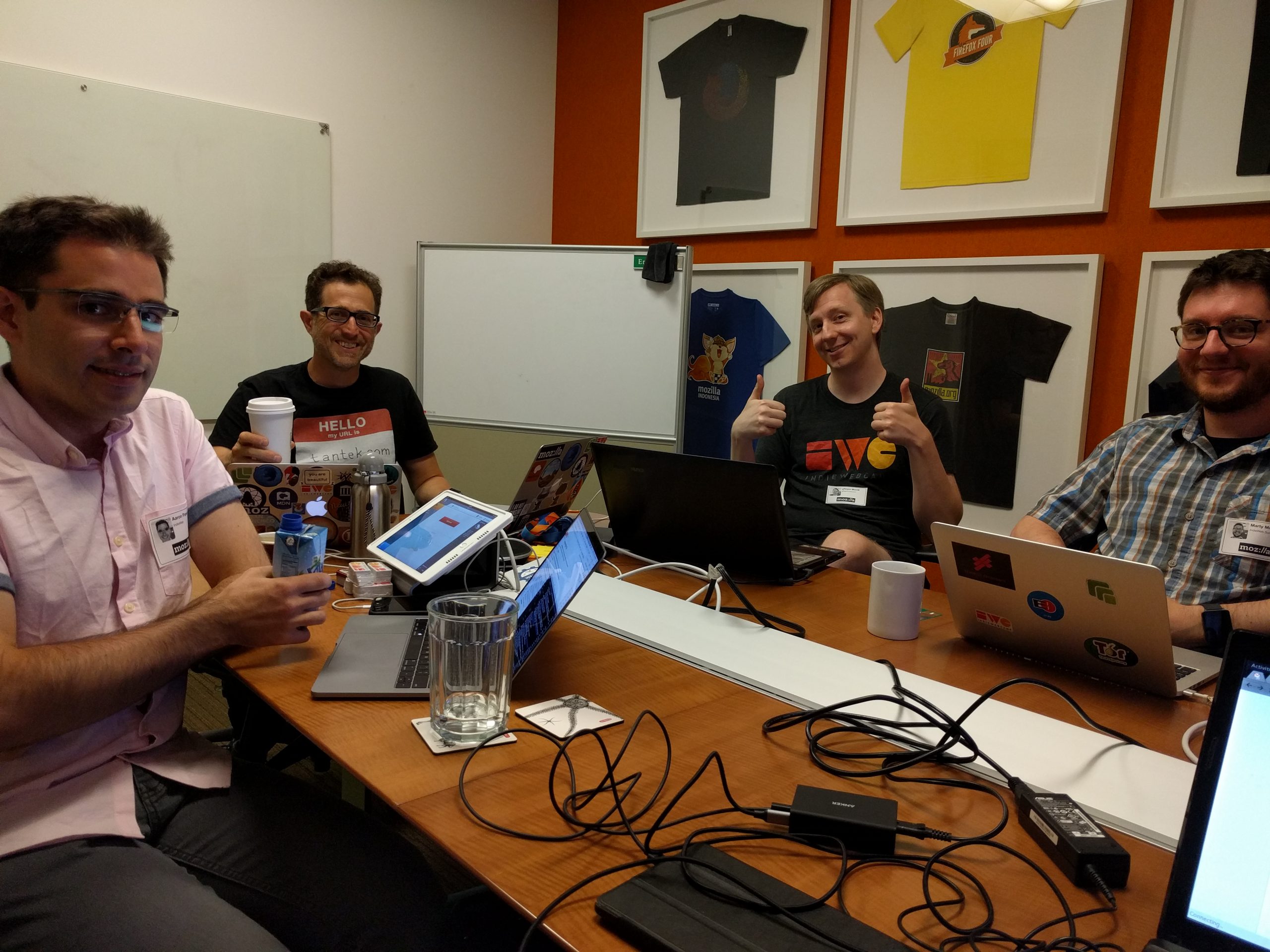
Like last year, I am attending the IndieWeb Summit in Portland Oregon.