This post, for example, is set as if it was made at the Empire State Building.
Coming in the future is venue support. A venue is sort of the location equivalent of a bookmark. There are other names for it. It would allow more information about the location, and you would be able to view all posts associated with that location. This leads to what has become common on social media sites…the check-in. I used to store more information about the location in the post, and won’t be doing this anymore.
More to come on location and more, but I’m glad I got a version of this out. Thanks to Chris Aldrich for testing this out.

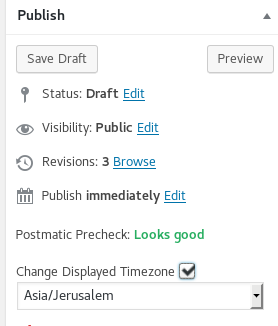
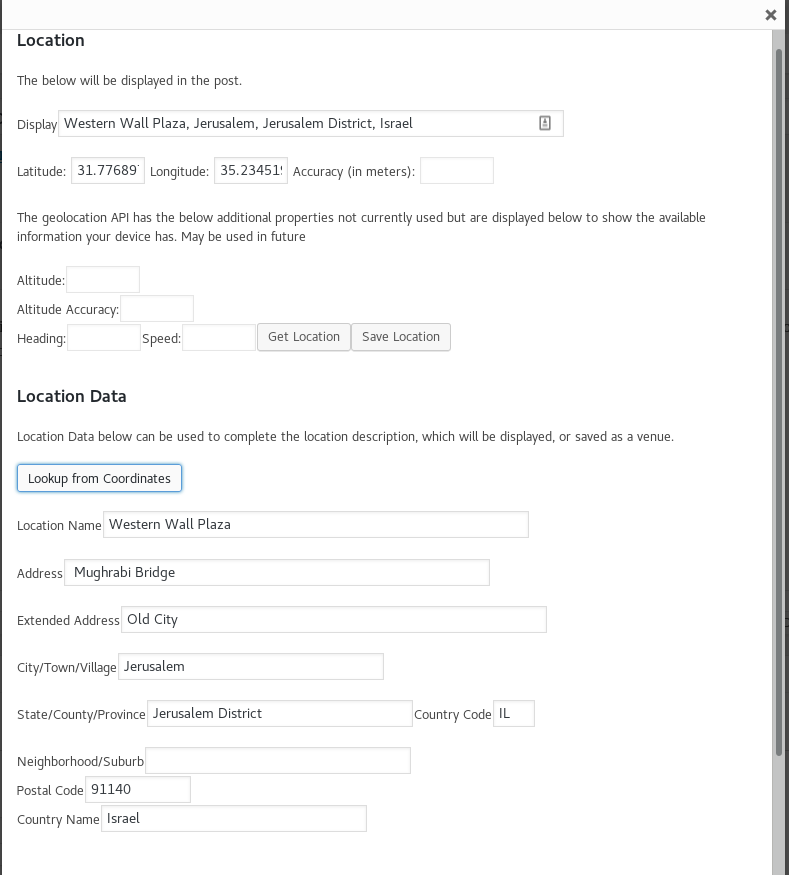
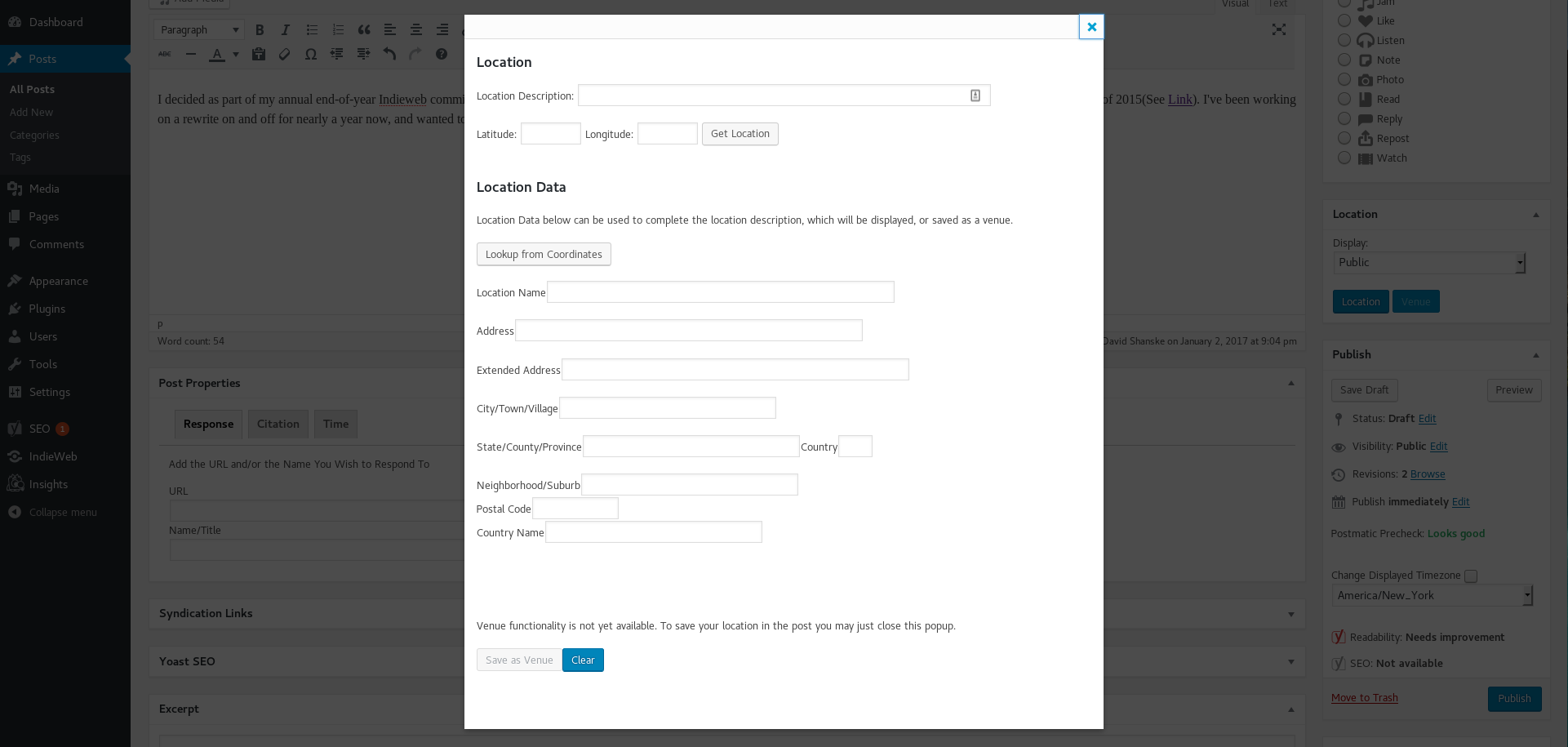


David Shanske has added location support to his site, complete with an open street map and the location name as a link. I’m eager to try it out and his releasing this reminds me to finish my own location support. I have the fields created, but I’d still like to get WordPress to automatically pull in the location associated with the browser, so that when I post from my phone I can effectively replace checking into Facebook or Foursquare. Foursquare’s cute for the points but that’s about it. I’ve copied this site over to staging so I can make code changes and tweak until I’m happy, or at least until I have something I can live with, until I decide to tweak again. The curse of being a developer, I suppose.
Share this:FacebookTwitter